Upcoming Jurisdiction Deadlines
Overview
The Dashboard menu is located on the left sidebar and is accessible to all professionals. The widgets available to you on the Dashboard are customized by organization, and not all listed below may apply to you.
For administrators who wish to further customize the widgets displayed on the Dashboard, please visit our article on Dashboard Customization.
Announcements
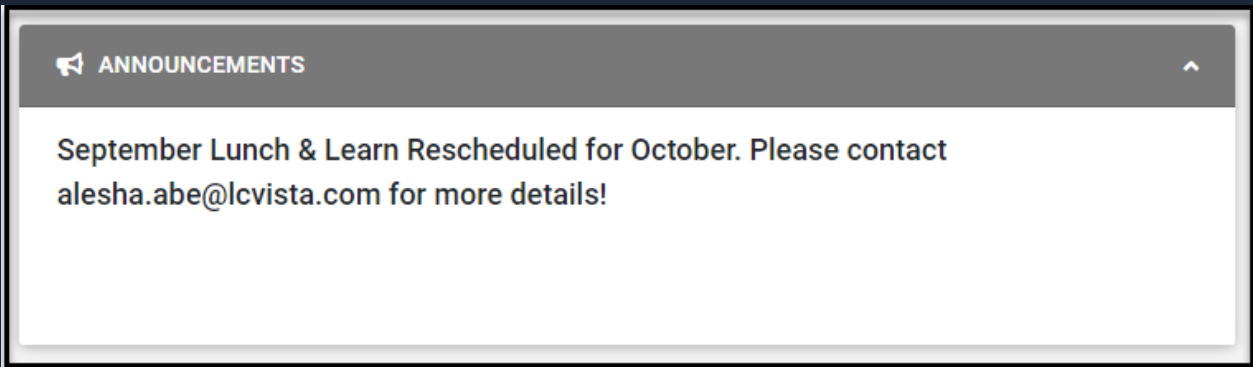
This is a customizable widget. Organizations will have full access to populate this widget with any information they wish, using our rich text editor. Organizations can use this widget to custom-create messaging to highlight upcoming events, deadlines to be mindful of, or any additional announcements relevant to the firm.
Administrators have access to customize this widget further within the Organization administrative Settings menu. For more information on customizing this widget, please visit our article on Dashboard Customization and the section on Announcements.
Available to Complete
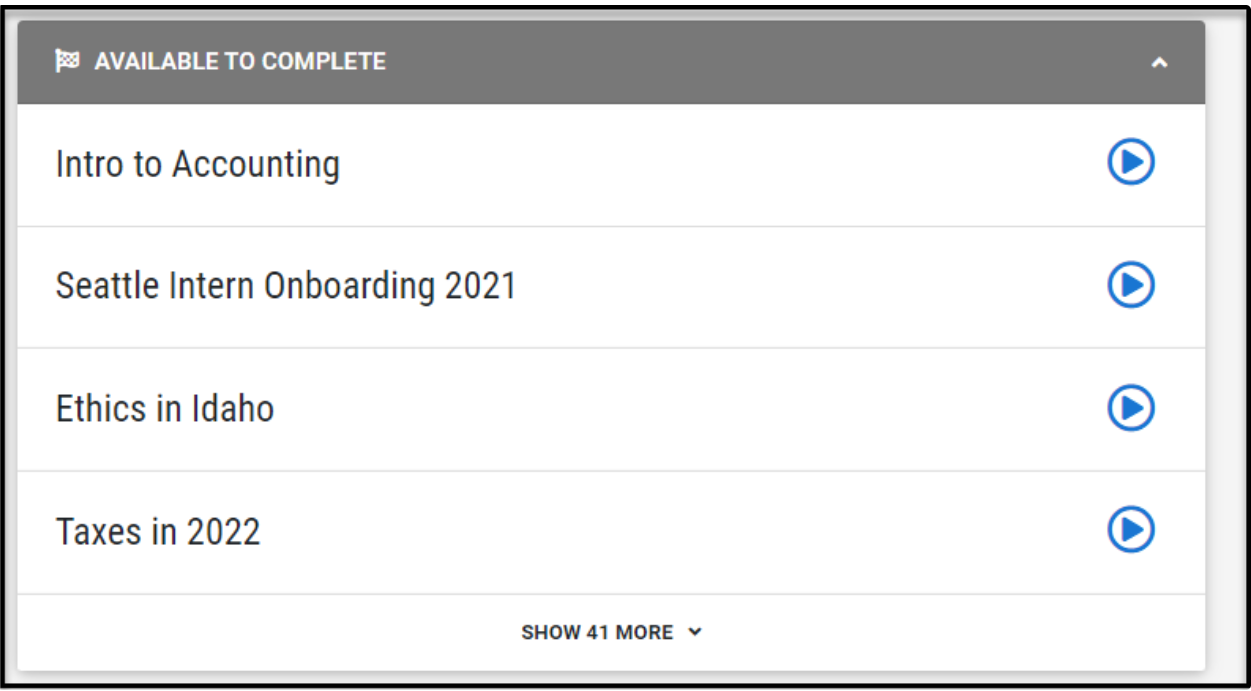
This widget showcases launchable events for which a professional has a session record status.
Note: this widget will not be exposed for a professional if there are no results to display, or if it has not been configured for your organization.
Specifically, this widget will return session records, where:
The session record does not have a completion date
The status is either Enrolled or Incomplete
-
The session in question is deemed launchable; defined as:
session has launch type of SCORM/AICC, URL, MEDIA, or WEBCAST
current time greater than 1 hour before the session start date/time, and
current time is less than the session end date/time
Here's What's Happening Today
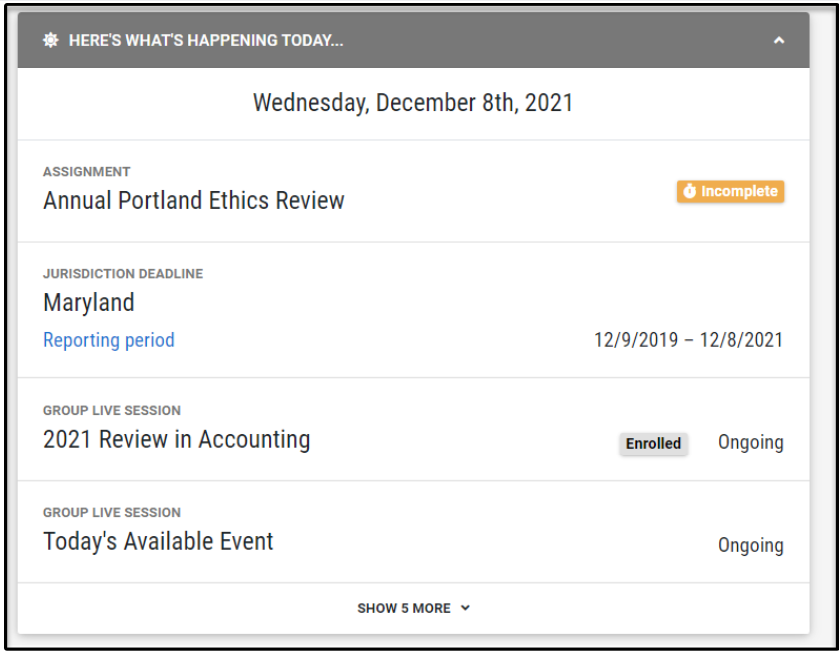
This widget intends to highlight to the logged-in professional: the event, due dates, and deadlines taking place today.
Note: If an organization makes this widget available, it will be visible for all users.
Specifically, it will highlight.
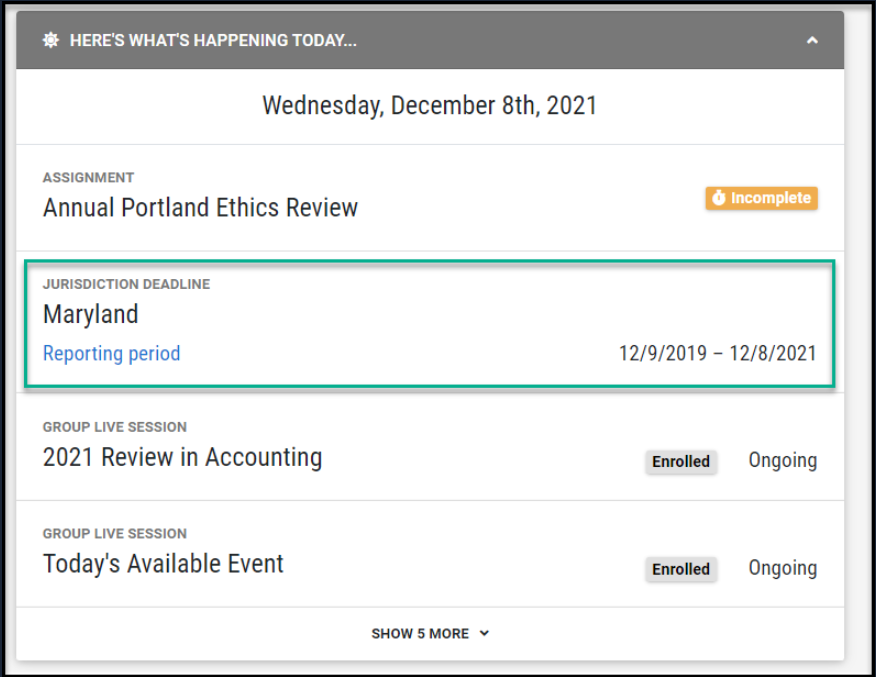
Active or exempt jurisdiction deadlines, where…
The jurisdiction reporting period = today’s date
The jurisdiction reporting period extended date = today’s date
Assigned programs, where…
the due date assigned = today’s date
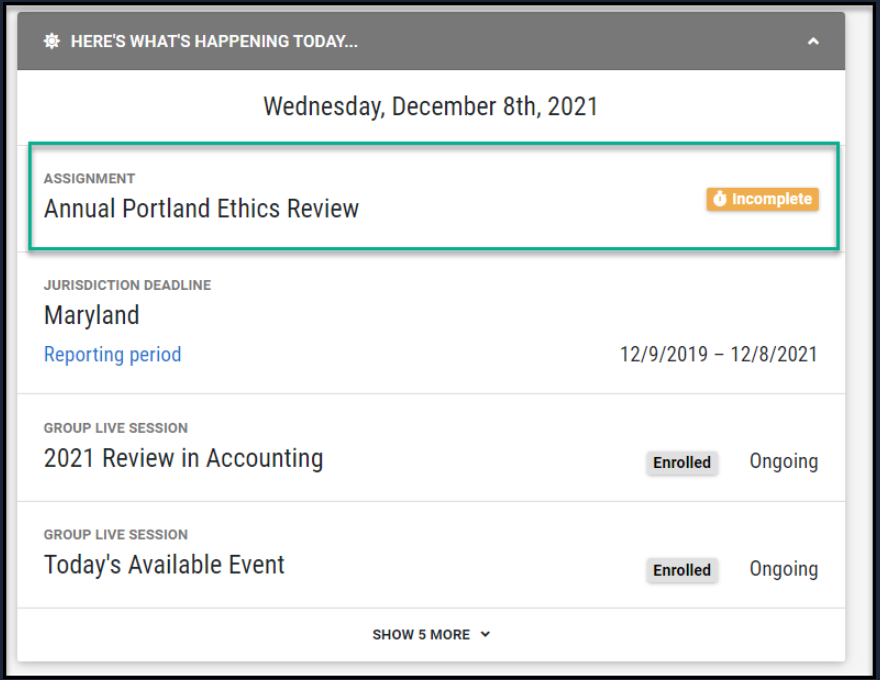
Session records, where…
The status is enrolled, waitlisted, or incomplete
-
The session record delivery method is ‘live’ or:
Committee Board Meetings
Group Internet-Based
Group Live
In Firm
Nano
Non-Approved Group Live
Non-Verifiable
Peer Review
Trade Conference
-
The session is considered ‘active today’.
Session start datetime is on or before today at 11:59 pm in the user's current TZ
Session end datetime is in the future (i.e., greater than now), OR session end datetime is null
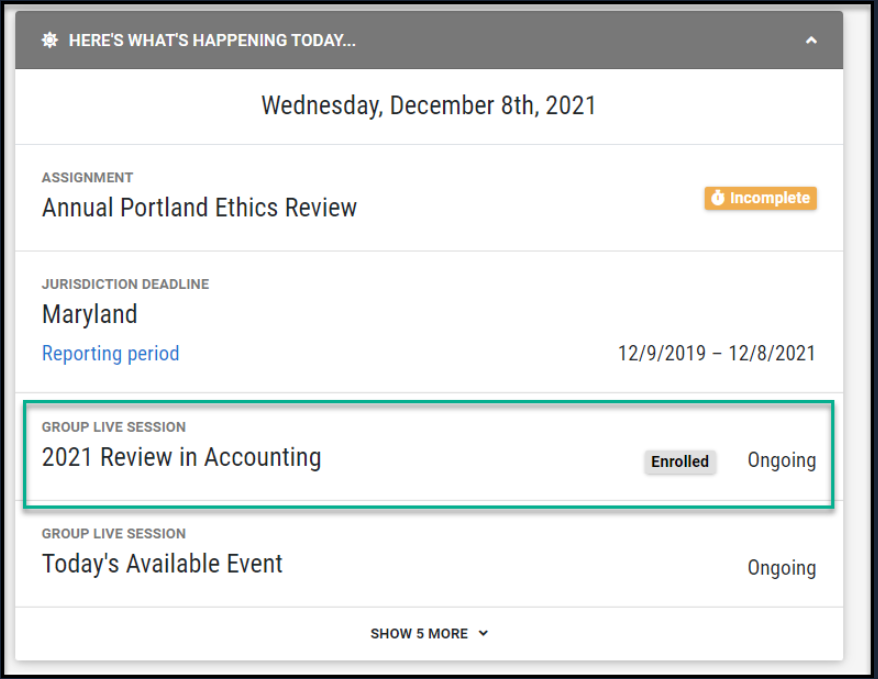
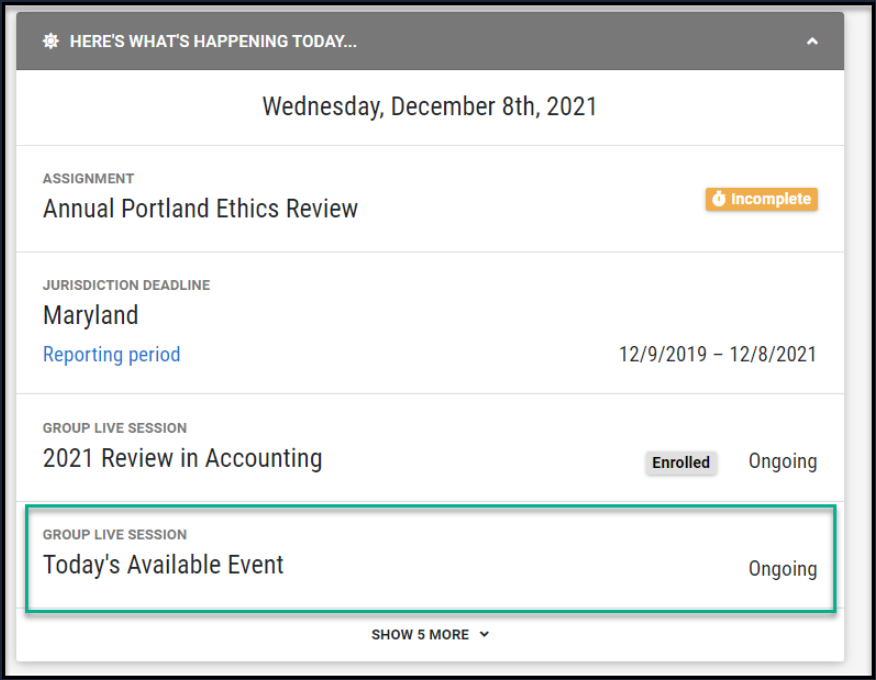
Sessions, where…
-
The session is considered ‘active today'.
Session start datetime is on or before today at 11:59 pm in the user's current TZ
Session end datetime is in the future (i.e., greater than now), OR session end datetime is null
The event is not an external program
-
The session record has not already been included in the session record check identified above (ensuring no duplicates)
Assigned Programs
The purpose of this widget is to highlight the programs that have been assigned to a user.
Note: this entire widget will not be visible to a professional if there are no results to display.
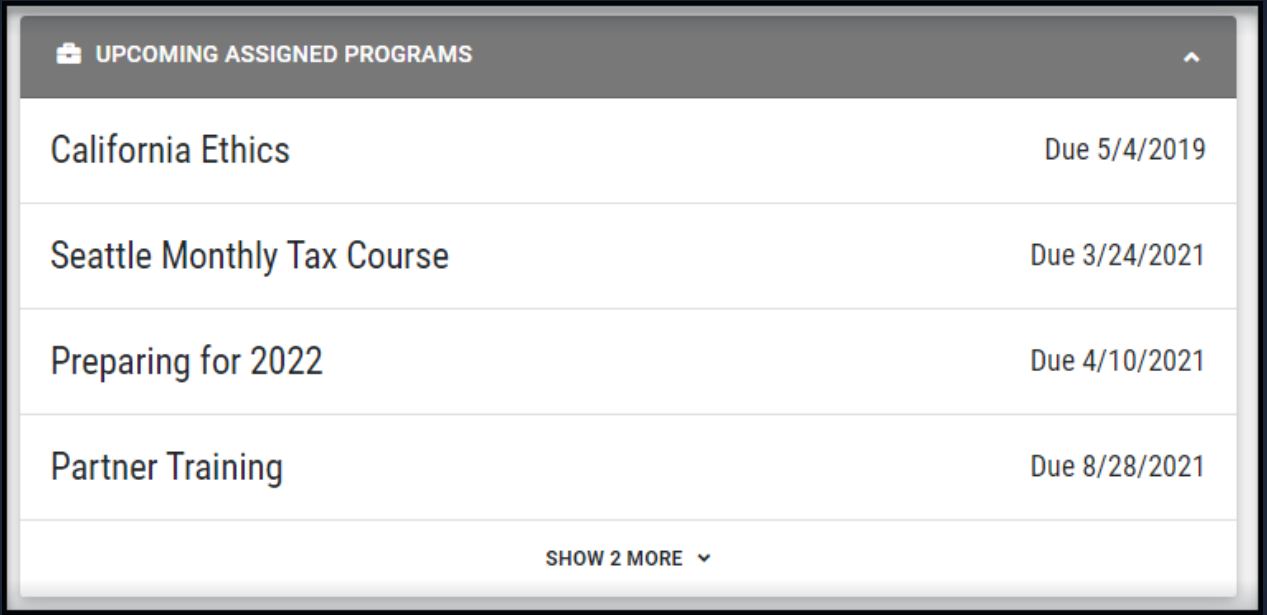
The programs displayed will be based on the following criteria:
The program has been assigned to the user either individually or via a group
Program assignments will be excluded when the assignment:
has a waived status
does not have a due date, and the assignment has been marked complete
has a due date in the past, and the assignment has been marked complete
In cases when a user:
If a program is assigned more than once via multiple group assignments, we will display the group assignment with the closest due date
is assigned a program more than once via a user assignment and a group assignment, we will always show the user assignment
Upcoming Jurisdiction Deadlines
The purpose of this widget is to highlight to a user the next upcoming deadlines for their jurisdictions, and based on those deadlines, whether they are complete for their requirements, or whether they are incomplete and have work to do.
Note: this entire widget will not be visible to a professional if there are no results to display.
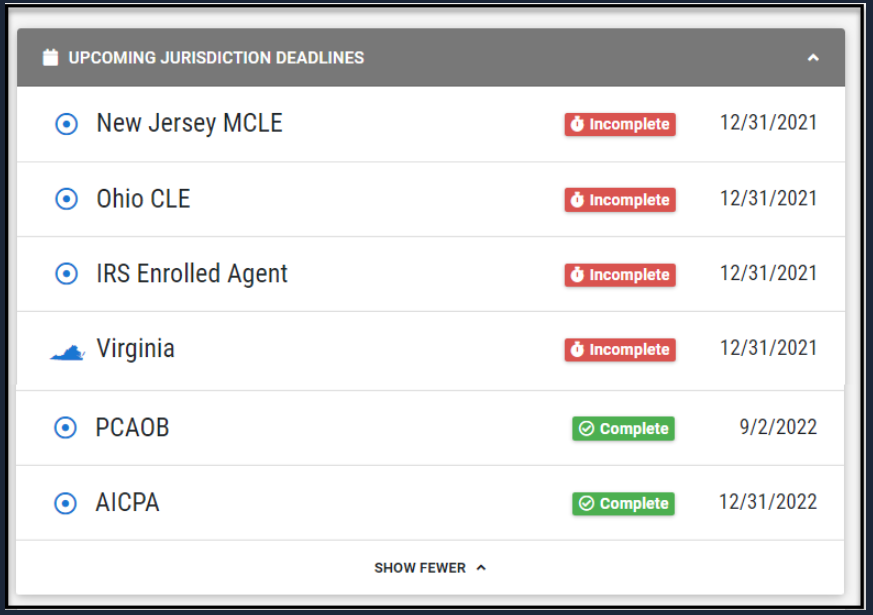
Jurisdictions in this widget are ordered by the following criteria:
in compliance status (out of compliance first)
end date or extension (earlier first)
requirement deficit (greater deficit first)
alphabetically
Jurisdictions are highlighted in this widget, based on whether the:
reporting period status of that upcoming period deadline, is Active or Exempt
extended date of that deadline is on or after today
All period deadlines will be grouped by jurisdiction, and a jurisdiction will only appear once
-
For each jurisdiction deadline, we will show:
the reporting period with the closest due date if the reporting period and all sub-periods are in compliance; OR
the sub-period with the closest due date
We also:
Exclude annual periods that are inactive
If 2 sub-periods have the same due date, we display the sub-period whose reporting period has the closest due date
Upcoming Sessions
This widget intends to highlight the sessions a user is enrolled in, which are taking place in the future.
Note: If an organization makes this widget available, it will be visible for all users.
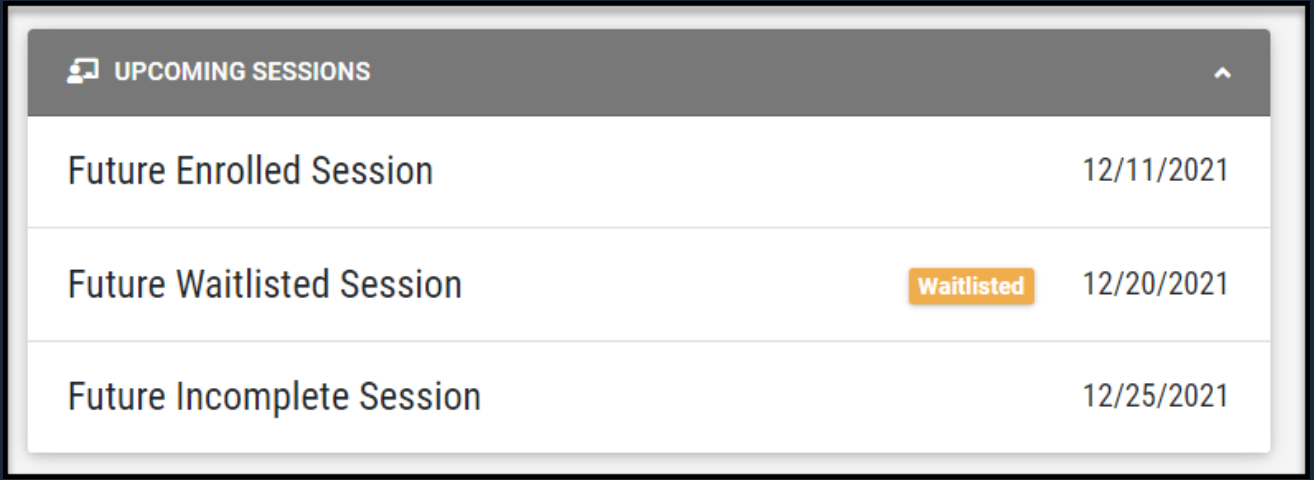
Session records will appear within this widget when:
The session start date/time is on or after today's date (start date/time must be populated on the session for it to display)
The session record status is Enrolled, Waitlisted, or Incomplete
-
The session record has a delivery method considered ‘live.’
Committee Board Meetings
Group Internet-Based
Group Live
In Firm
Nano
Non-Approved Group Live
Non-Verifiable
Peer Review
Trade Conference
Note: Sessions will be sorted by session start date/time
Learning Plan Deadlines
This widget highlights a user’s learning plan deadlines.
Note: this entire widget is not visible when there are no results to display.
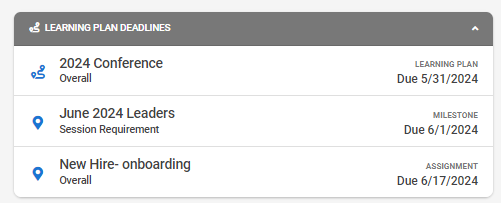
Specifically, the widget will showcase upcoming due dates based on the following:
- Learning Plans that do not have due dates, or where due dates are in the past, will not be visible on this widget.
- The logic to determine which learning requirement to show based on the due date is as follows. When we evaluate whether to show the learning plan, we will look for:
Is the learning plan incomplete with a due date in the last 30 days? If so, we will show this requirement with an incomplete badge highlighting past due.
-
In cases where a user is complete and only has upcoming requirements, we will continue to show the user their next requirement:
The next Milestone Due Date, if this doesn't exist or is in the past, then...
The Learning Plan Assignment Due Date, whether that be a fixed or relative due date, if this doesn't exist, then...
The next Learning Plan Due Date
The widget is formatted to highlight the following:
- The Learning Plan Name will always be displayed; it will be the first line visible
- If displaying a Milestone Due Date, we will show the Milestone name beneath the Learning Plan name. The due date displayed will correspond to the Milestone due date.
- If displaying a Learning Plan Due Date (regardless of whether the Learning Plan was assigned or not), we will display "Overall" beneath the Learning Plan Name
- Each due date will be labeled for clarity: Assignment, Learning Plan, or Milestone
Assigned Activities
This widget highlights activities assigned to a professional.
Note: this entire widget is not visible when there are no results to display.
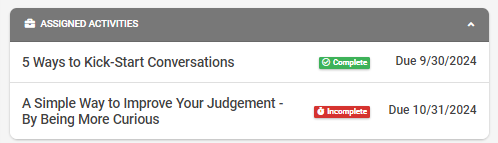
The logic for this dashboard widget is as follows:
- Incomplete activities will appear on this widget until they are complete
- Incomplete activities will showcase their due date, if applicable, alongside an incomplete badge
- Complete activities will remain on the widget until their due date has passed
- Complete activities will show a complete badge
Related to