Create live content slides in Google Slides using Conferences i/o slide codes.
Before creating live content slides in Google Slides, double-check that the Conferences i/o Chrome extension and Slide Creator add-on have been installed.
Copy slide codes from Conferences i/o
Copy slide codes from Conferences i/o
- Sign into the session as a Moderator
- Click Session Settings
- Click Add Live Content to Presentations
-
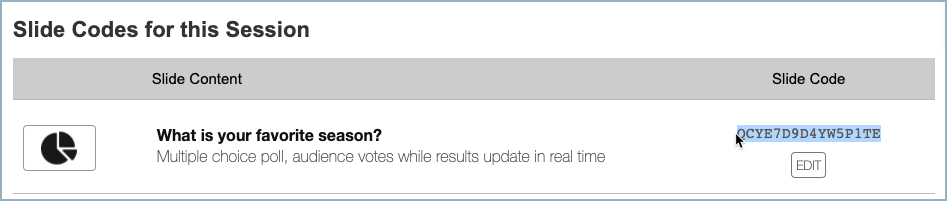
Under Slide Codes for this Session, copy the slide code for the poll question
Insert Slides
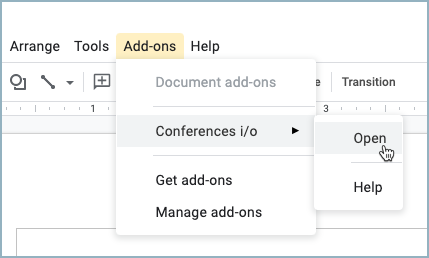
- In the Google Slides presentation, click the Add-ons tab
-
Select Conferences i/o > Open
-
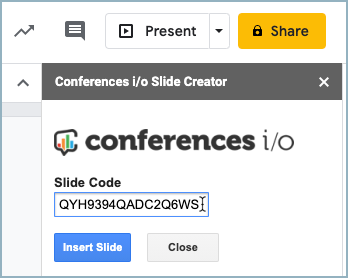
Paste the slide code and click Insert Slide
- Repeat steps for each live content slide
Start Presenting
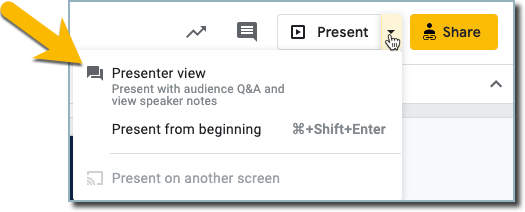
To present, click the dropdown menu arrow next to Present and select Presenter View